Understanding Booking Payments vs Upsells
In DQ, booking payments and upsell items are handled separately to ensure clarity in reporting and operations.Booking Payments
- Paid in advance
- Typically includes:
- Cover charge
- Included drinks or items
Upsell Items
- Purchased during the guest’s visit
- Added via the table menu
- Includes any additional items the guest orders on the night
Important
Only staff with the “Manage Bookings” permission can make changes to booking details.We strongly recommend revoking this permission from anyone who is not explicitly authorised to:
- Modify bottle prices
- Adjust door charges
Setting Booking Payments
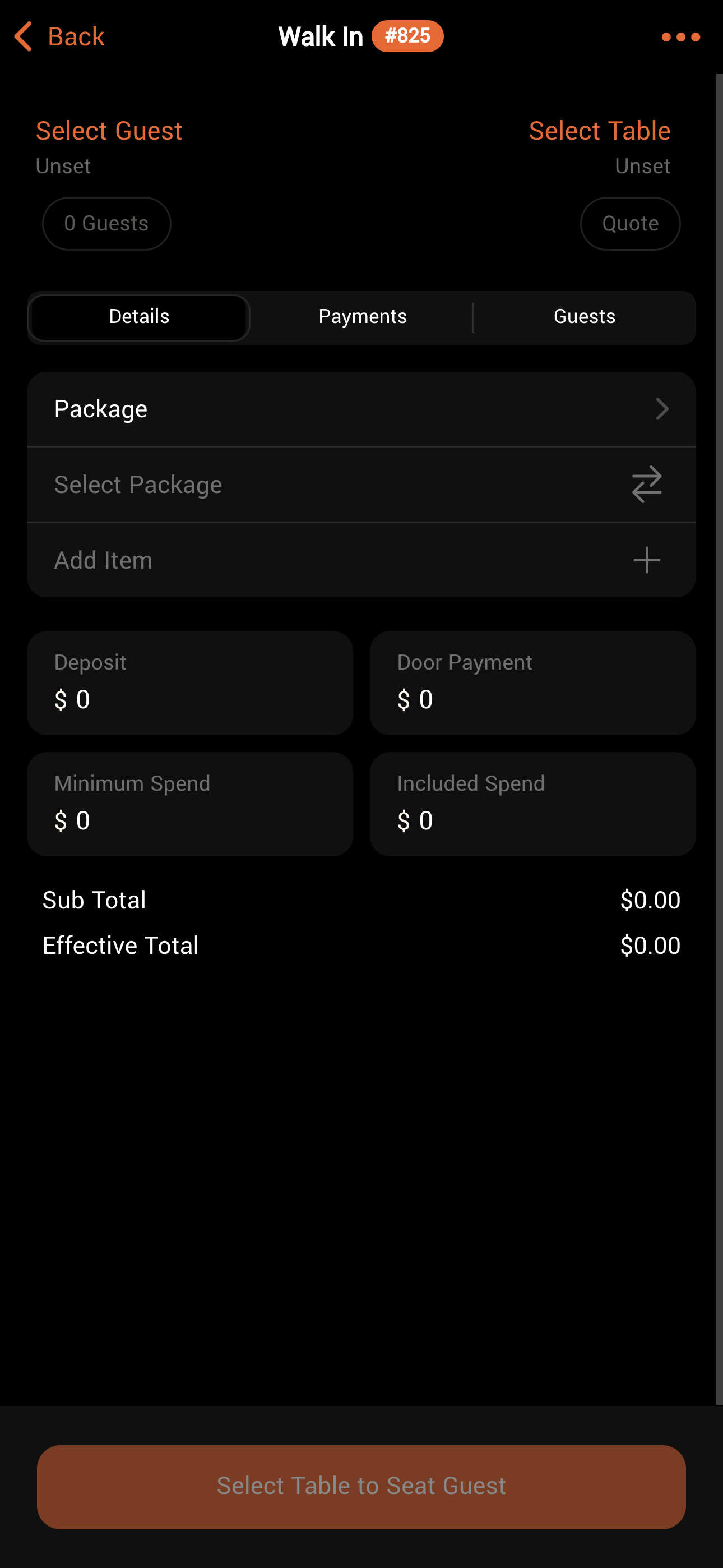
Booking payments are set in the “Details” section of a new booking in both the CMS and the Operations app.These payments can be adjusted by staff with the “Manage Bookings” permission.