> ## Documentation Index
> Fetch the complete documentation index at: https://help.getdqd.com/llms.txt
> Use this file to discover all available pages before exploring further.
# Introduction
> Welcome to the DQ Pro help documentation.
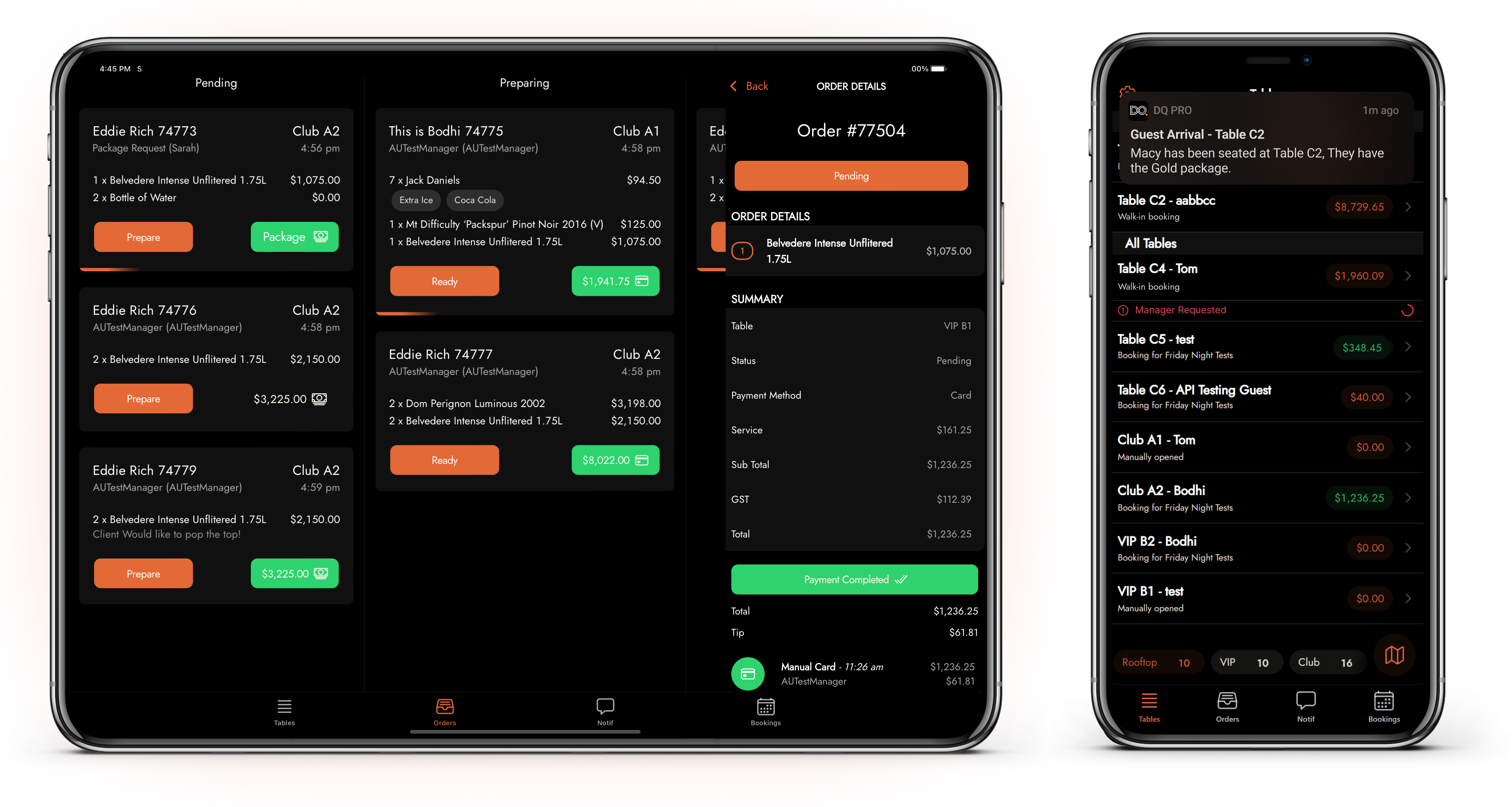 Welcome to DQ: the only purpose-built operational platform for bottle service venues and teams.
DQ is accessed via our Desktop Site, or CMS, and our mobile app. We separate our functionality and help documentation between these.
For managing your venue, settings, bookings and data.
For in-service use and operations: seating bookings, ordering, payments and communication.
## Getting Started
Create, edit and manage your staff
Update venue details, settings, styling etc.
Create, edit and communicate with guests.
In-Service ordering and initial payment management
Welcome to DQ: the only purpose-built operational platform for bottle service venues and teams.
DQ is accessed via our Desktop Site, or CMS, and our mobile app. We separate our functionality and help documentation between these.
For managing your venue, settings, bookings and data.
For in-service use and operations: seating bookings, ordering, payments and communication.
## Getting Started
Create, edit and manage your staff
Update venue details, settings, styling etc.
Create, edit and communicate with guests.
In-Service ordering and initial payment management